
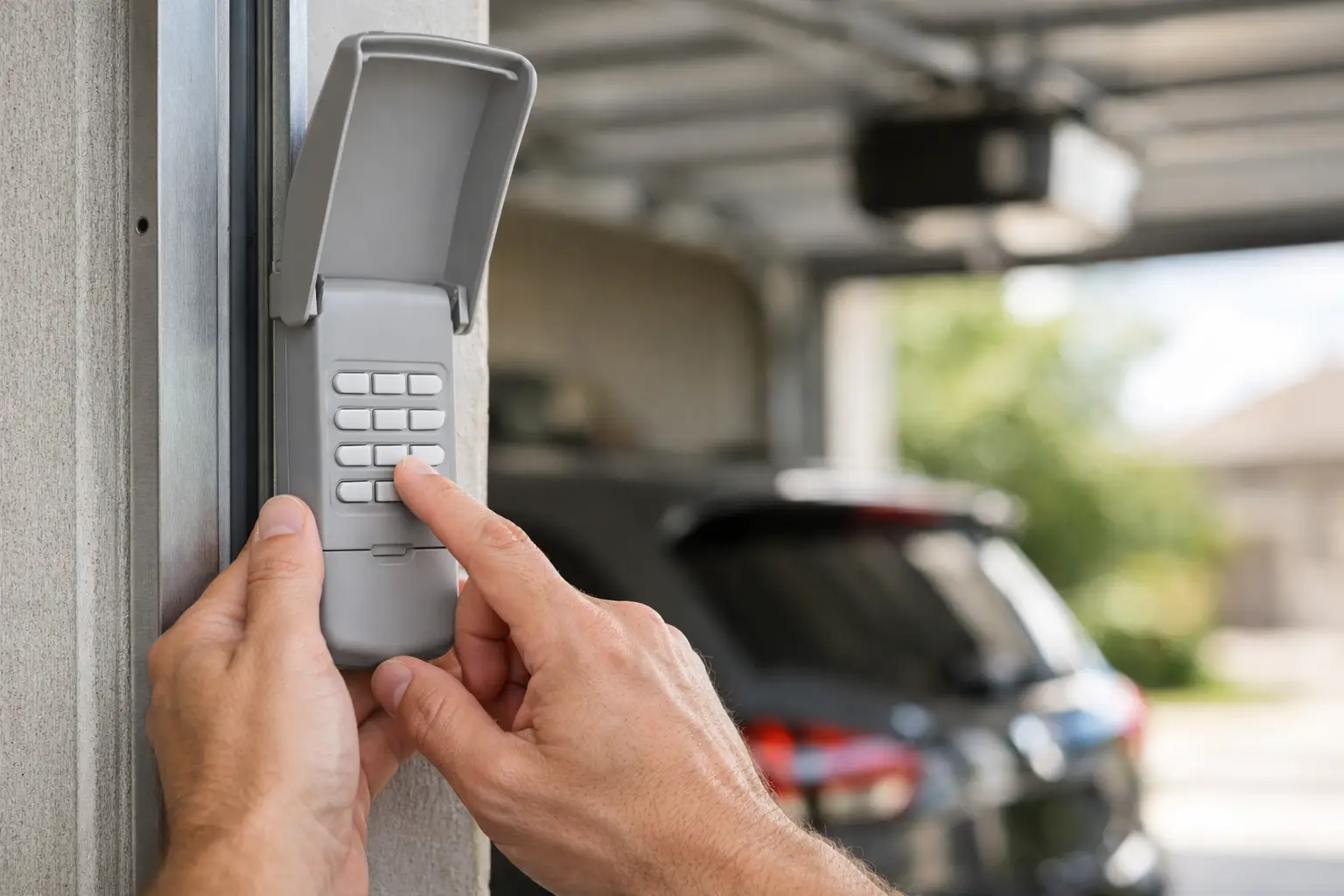
A garage keypad should make life easier, not leave you standing in the driveway punching in the same code five times. If you’re trying to figure out how to program garage keypad access, the good news is that most systems follow a similar process. The catch is that the exact steps depend on your opener brand, the age of the unit, and whether you’re setting up a new PIN or reprogramming an old one.
If your keypad isn’t responding, don’t assume it’s broken right away. In many cases, the issue is a dead battery, a missed programming step, or an opener that has reached its memory limit. A careful reset and proper setup usually gets things working again.
How to program garage keypad systems
Most garage door keypads are wireless. They connect to the opener motor using a learn button or a short pairing sequence. That means you usually need access to the motor unit inside the garage before you can program anything.
Start by checking the basics. Make sure the keypad has a fresh battery, the garage door opener has power, and the wall control is working normally. If the opener itself is acting up, keypad programming may fail even if you follow every step correctly.
Next, locate the learn or program button on the opener motor. On many units, it’s behind the light cover or near the antenna wire. The button colour and exact location vary by brand, but it is usually easy to spot once you’re standing on a ladder near the motor housing.
Once you’ve found it, the general process looks like this.
Step 1: Clear out old issues first
Before programming a new code, inspect the keypad. If the buttons are worn, stuck, or cracked from weather exposure, programming may not hold. If the battery compartment is corroded, replace the keypad rather than forcing the setup.
If the keypad is in decent shape, install a new battery anyway. This simple step saves time and removes one of the most common reasons programming fails.
Step 2: Press the learn button on the opener
Press and release the learn button on the motor unit. On most systems, you will have about 30 seconds to enter a code on the keypad. Some opener lights blink to confirm that the unit is ready to pair.
Do not hold the button too long unless you are intentionally erasing all programmed remotes and keypads. On many openers, holding the learn button for several seconds wipes the memory completely.
Step 3: Enter your PIN on the keypad
Choose a four-digit PIN that is easy for your household to remember but not obvious to others. Avoid addresses, birthdays visible on social media, or simple patterns like 1234.
Enter the PIN carefully. Depending on the keypad model, you may then press Enter, Program, or a specific send button. If the opener light flashes or you hear a click from the motor, that usually means the code has been accepted.
Step 4: Test the keypad
Wait a few seconds, then test the new PIN. Enter the code and follow it with the button your keypad requires to send the command. The door should respond right away.
If it doesn’t, repeat the process once more slowly. A lot of programming failures come down to timing. If too much time passes after pressing the learn button, the opener exits programming mode and ignores the new code.
When the process depends on the opener brand
This is where homeowners often get frustrated. The general idea stays the same, but different brands use slightly different button labels, timing windows, and confirmation signals.
Some LiftMaster and Chamberlain models pair quickly through the learn button and keypad Enter key. Older Genie systems may involve a program button on both the opener and keypad. Craftsman units often mirror Chamberlain logic, but not always if the opener is an older generation.
If your keypad came as a universal model, there is one more layer to deal with. Universal keypads are convenient, but they need to be matched not only to the opener brand but also to the opener’s frequency and technology generation. That means a keypad can be new and still fail to pair if it is not fully compatible.
Common reasons keypad programming doesn’t work
A keypad that refuses to connect does not always mean you need a replacement. Usually, one of a few issues is getting in the way.
The first is weak battery power. Even if the keypad lights up, the battery may not have enough strength to send a reliable signal.
The second is opener memory. Some units can only store a limited number of devices. If several remotes, cars, and keypads have been programmed over the years, the system may be full.
The third is signal mismatch. This shows up often with replacement keypads bought for older garage door openers. The keypad may look right, but if the radio frequency or security protocol is off, programming will never complete.
The fourth is accidental full reset. If someone held down the learn button too long, all previous devices may have been erased. In that case, the keypad is not the only thing that needs programming again. Every remote and wireless accessory may need to be reconnected.
Should you erase all codes and start over?
Sometimes yes, but not automatically. If you’ve moved into a new home, lost a remote, or suspect too many old devices are still connected, clearing the opener memory is a smart security step. It gives you a clean starting point and ensures only current users have access.
On the other hand, if your keypad simply stopped working after a battery change, a full erase may create more work than necessary. You would then need to reprogram every remote, vehicle button, and smart accessory tied to the opener.
If security is the concern, starting fresh makes sense. If convenience is the concern, try basic reprogramming first.
How to program garage keypad access on older systems
Older garage door openers can be more finicky. Some rely on dip switches instead of modern learn-button technology. If that’s the case, the keypad and opener must have matching switch positions to communicate.
This is less common on newer homes, but it still comes up in garages with aging openers that otherwise seem to run fine. In those cases, programming is less about entering a PIN and more about matching the keypad’s internal settings to the opener’s code pattern.
The downside is security. Older systems are easier to copy or interfere with than modern rolling-code openers. If your opener is old enough to use dip switches, it may be worth considering an upgrade rather than spending too much time troubleshooting accessory issues.
Safety and setup mistakes to avoid
Programming a keypad is usually straightforward, but there are still a few things to watch.
Use a stable ladder if you need to reach the opener motor. Do not stand on the top step or stretch awkwardly to hit the learn button. If the motor is mounted high or the garage ceiling is crowded, take your time.
Keep children away from the test area while programming. The door may move unexpectedly during setup or testing.
Also, do not program a keypad while the door is already acting unpredictably. If the opener reverses randomly, hums without opening, or struggles to close, solve that mechanical issue first. A keypad cannot fix an opener, track, or spring problem.
When it makes sense to call a professional
There is a point where DIY stops being efficient. If you’ve replaced the battery, confirmed the model, followed the opener’s sequence, and still can’t get the keypad to pair, the issue may be deeper than programming.
A technician can quickly tell whether the problem is the keypad, logic board, receiver, or opener compatibility. That matters, especially if your system is older or if multiple accessories have stopped working at once.
For homeowners in Seattle and nearby communities, this comes up often after power issues, ageing opener failures, or partial upgrades where one new device doesn’t match the rest of the system. Summit Garage Doors handles this kind of troubleshooting regularly, and a short service call can save a lot of trial and error.
A keypad is a small feature, but it affects daily convenience and home security more than most people realize. If yours works properly, you stop thinking about it. If it doesn’t, every trip in and out of the garage becomes a hassle. Set it up carefully, use a secure PIN, and if the system keeps fighting you, get it checked before a simple access problem turns into a bigger opener issue.

